How to Send 10,000+ Daily Broadcasts Without Getting Your Number Blocked (2026 Guide)
Table of Contents12
In 2026, WhatsApp has become the most powerful tool for business growth in India. However, the fear of a permanent ban keeps many business owners awake at night. If you are looking for a reliable WhatsApp Anti-Ban Strategy to scale your outreach, you are in the right place.
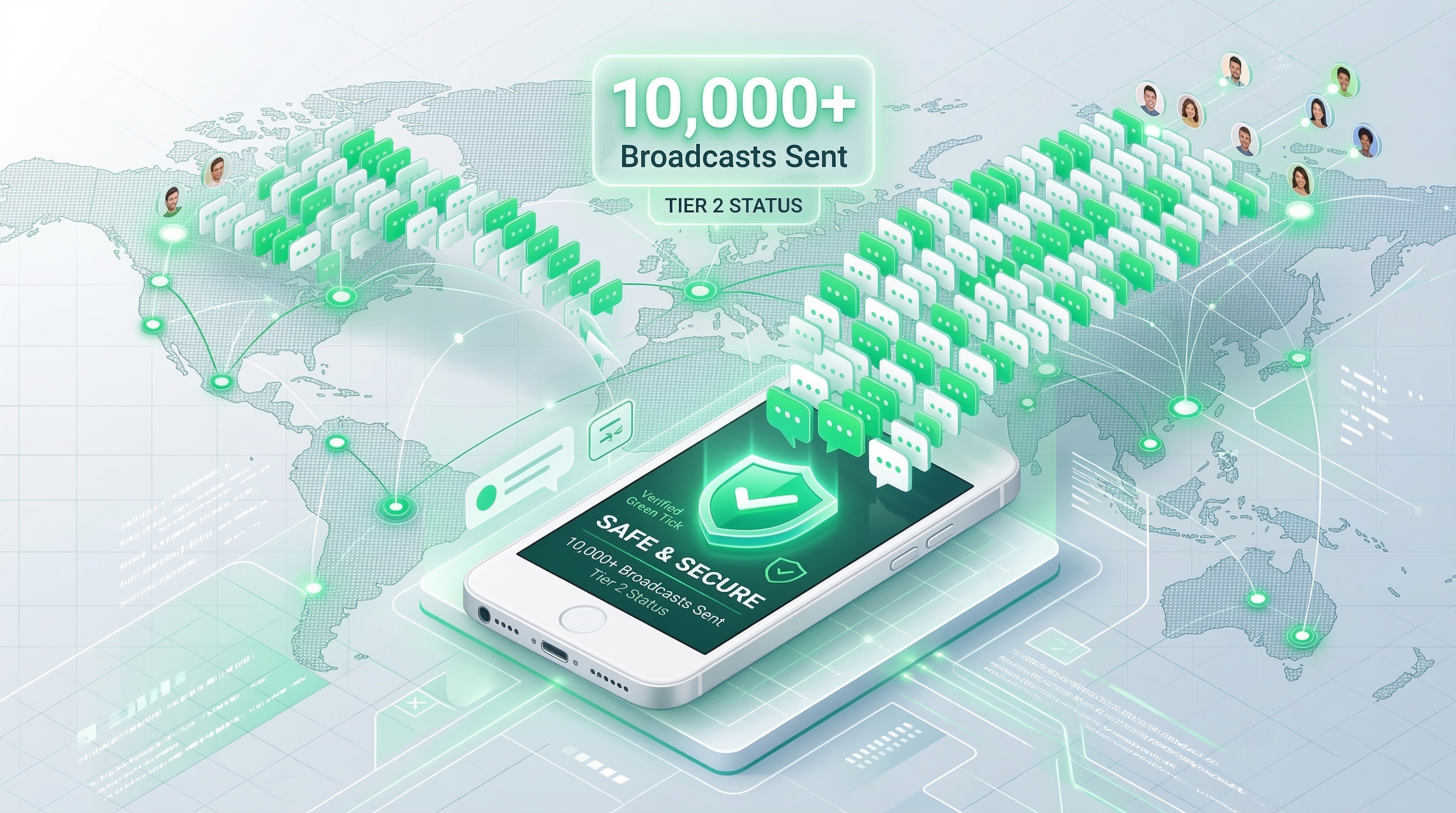
Sending 10,000+ messages daily is not a dream; it is a technical process that requires the right tools and a deep understanding of Meta's official guidelines.
At ShopLinx, we have helped hundreds of businesses transition from risky unofficial tools to a 100% safe and official environment. This guide will explain how you can communicate with thousands of customers every day while keeping your official business number safe and "Green" in Meta's eyes.
What is a WhatsApp Anti-Ban Strategy?
A WhatsApp Anti-Ban Strategy is a set of technical and behavioral practices designed to send high-volume messages through the Meta Official Cloud API without triggering spam filters. It involves using official API tiers, maintaining a high Message Quality Score, and providing clear opt-out options to users.
The Psychology of a Ban: Why Meta Blocks Numbers?
Before we dive into the strategy, a skeptical expert must ask: Why does Meta block numbers in the first place?
In 2026, Meta's AI is smarter than ever. It doesn't just look at the number of messages you send; it looks at how users react to them.
There are two main reasons for a ban:
1. User Reports and Blocks
If more than 5% of your recipients click the "Report" or "Block" button, Meta flags your number as a spammer. This is the most common reason for a sudden ban.
2. Automated Detection (Unofficial Tools)
If you are using "cracked" software or Chrome extensions that simulate human typing, Meta's automated systems can detect the lack of an official "handshake" with their servers. This often leads to an instant and permanent ban without any warning.
By understanding these triggers, we can build a strategy that works with Meta, not against it.
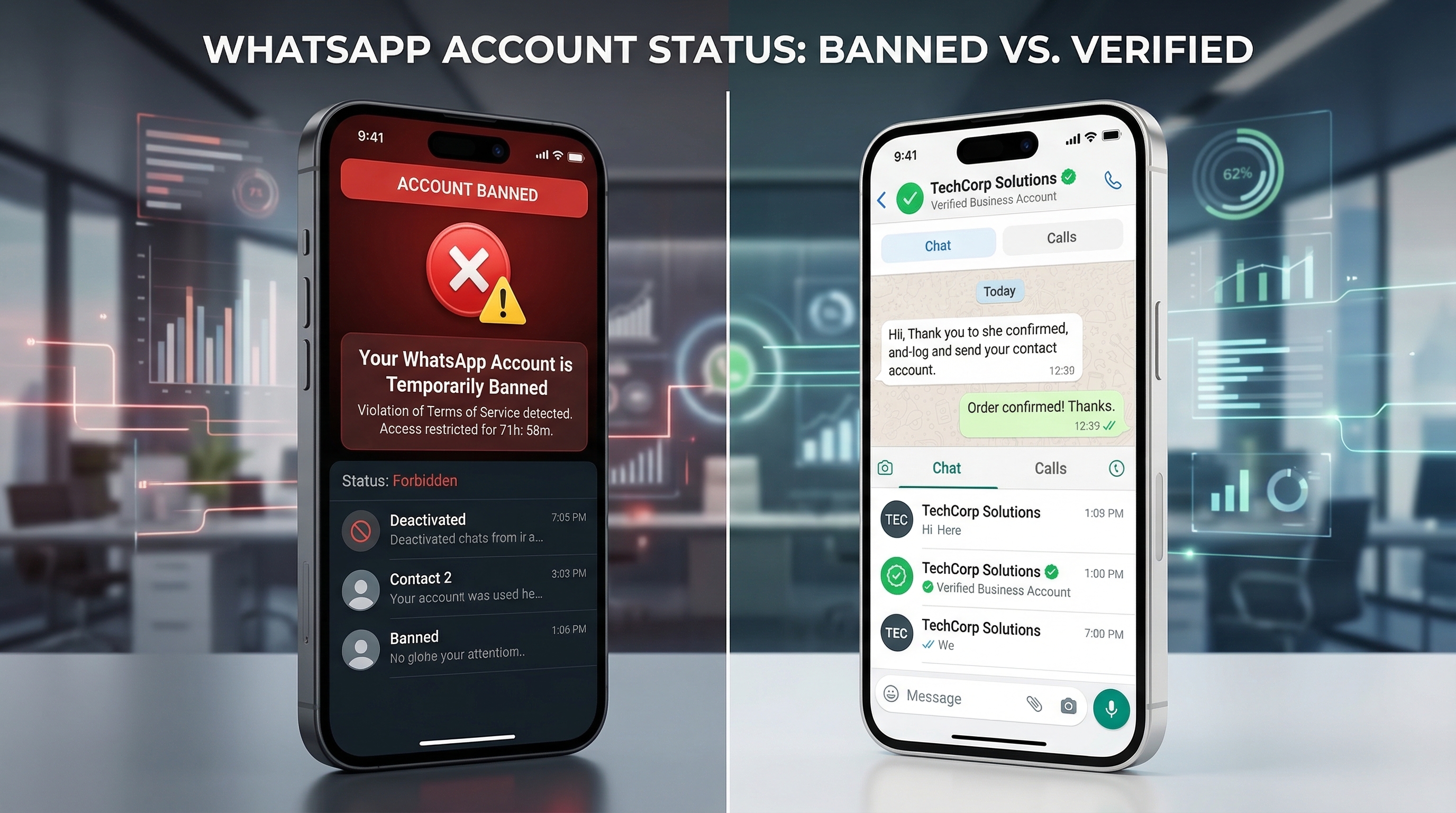
Meta Official API vs. Unofficial Tools: A Skeptical Comparison
As an expert, I always advise businesses to look at the long-term ROI rather than a "quick fix."
Many small businesses use Chrome extensions or "cracked" software because they are cheap. But are they really "cheap" if they get your permanent business number banned in 24 hours?
Let's look at the 360-degree comparison:
| Feature | Meta Official Cloud API | Unofficial Tools/Extensions |
|---|---|---|
| Ban Risk | Almost Zero (If guidelines are followed) | Extremely High (Instant Ban) |
| Messaging Limit | Scalable (1k to Unlimited) | Limited by human-like simulation |
| Meta Support | Official Support via Business Manager | No Support (You are on your own) |
| Automation | Full automation with Chatbots (like ShopLinx) | Basic automation with high lag |
| Interactive Buttons | Yes (Quick Replies, CTA Buttons) | No (Text only or risky simulated buttons) |
The Verdict: Unofficial tools work by "tricking" the system. Meta's 2026 AI is designed to catch these tricks. Using the Meta Official Cloud API is the only true WhatsApp Anti-Ban Strategy.
If you are worried about high setup costs, you can follow our guide on how to get Official WhatsApp Business API Integration for FREE in 2026 without any monthly rent.
The 5-Step Anti-Ban Blueprint: Scalable & Safe
To send 10,000+ messages daily, you need a structured plan. At ShopLinx, we follow this "Safety-First" blueprint to ensure our clients never see the "Your number is banned" screen.
Step 1: Meta Business Verification
The foundation of your strategy is a verified Meta Business Manager. While not always mandatory for lower volumes, verification proves to Meta that you are a legitimate entity, increasing your "Trust Score."
Along with Business Manager verification, most successful brands also apply for the WhatsApp Green Tick Verification to maximize user trust and minimize report rates.
Step 2: Understanding Messaging Tiers
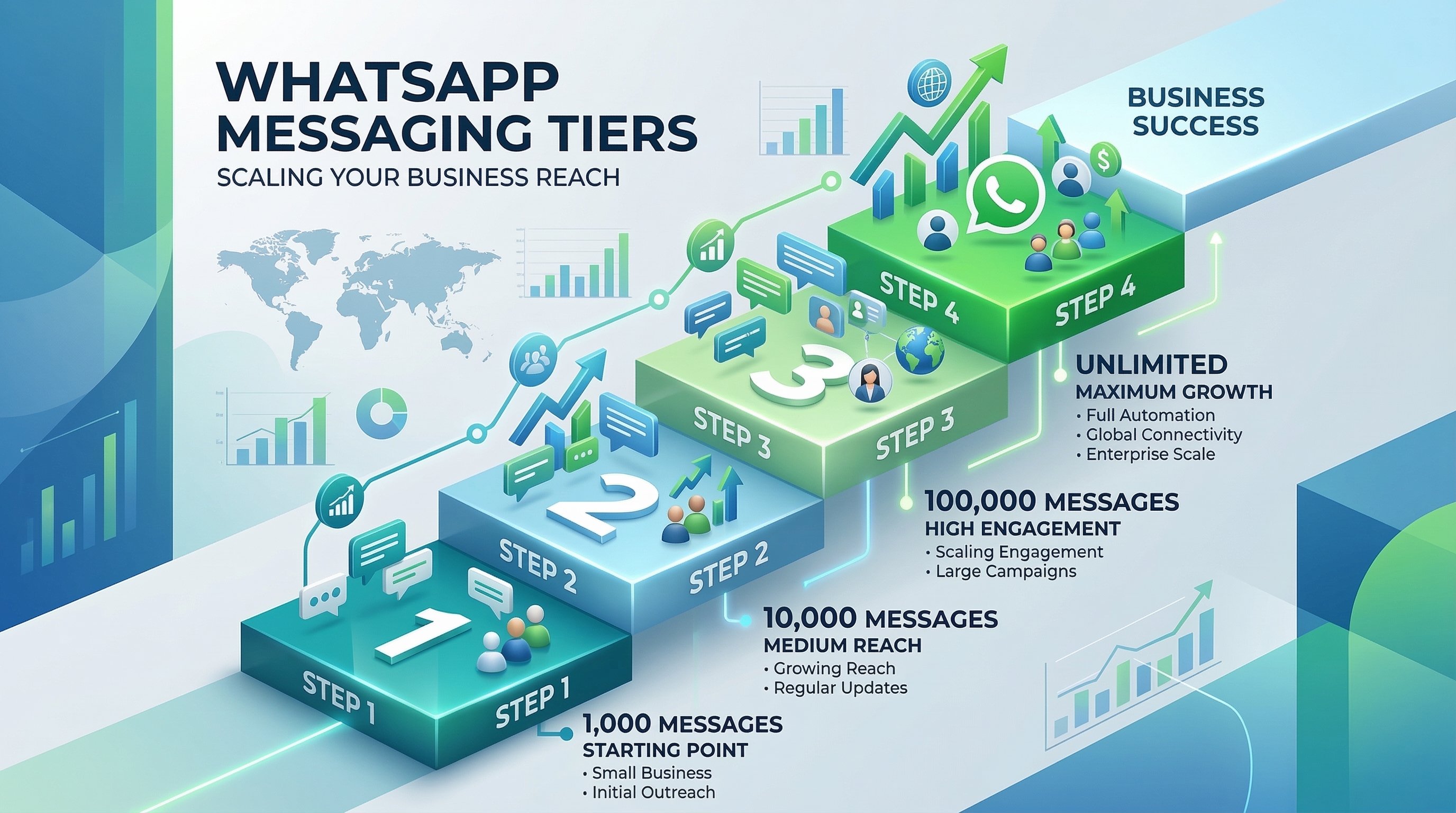
You cannot send 10,000 messages on Day 1. Meta puts every new API account in "Tier 1."
- Tier 1: 1,000 unique customers per 24 hours.
- Tier 2: 10,000 unique customers per 24 hours.
- Tier 3: 100,000 unique customers per 24 hours.
- Tier 4: Unlimited unique customers per 24 hours.
Expert Tip: To move from Tier 1 to Tier 2, you must send at least 500 messages daily for 7 days with a "High" quality score.
Step 3: Interactive Template Mastery
Stop sending plain text. Plain text looks like spam. Use Interactive Templates with "Quick Reply" buttons.
Why? When a user clicks a button (e.g., "Show Pricing"), Meta sees it as a positive engagement, not a report. This protects your number.
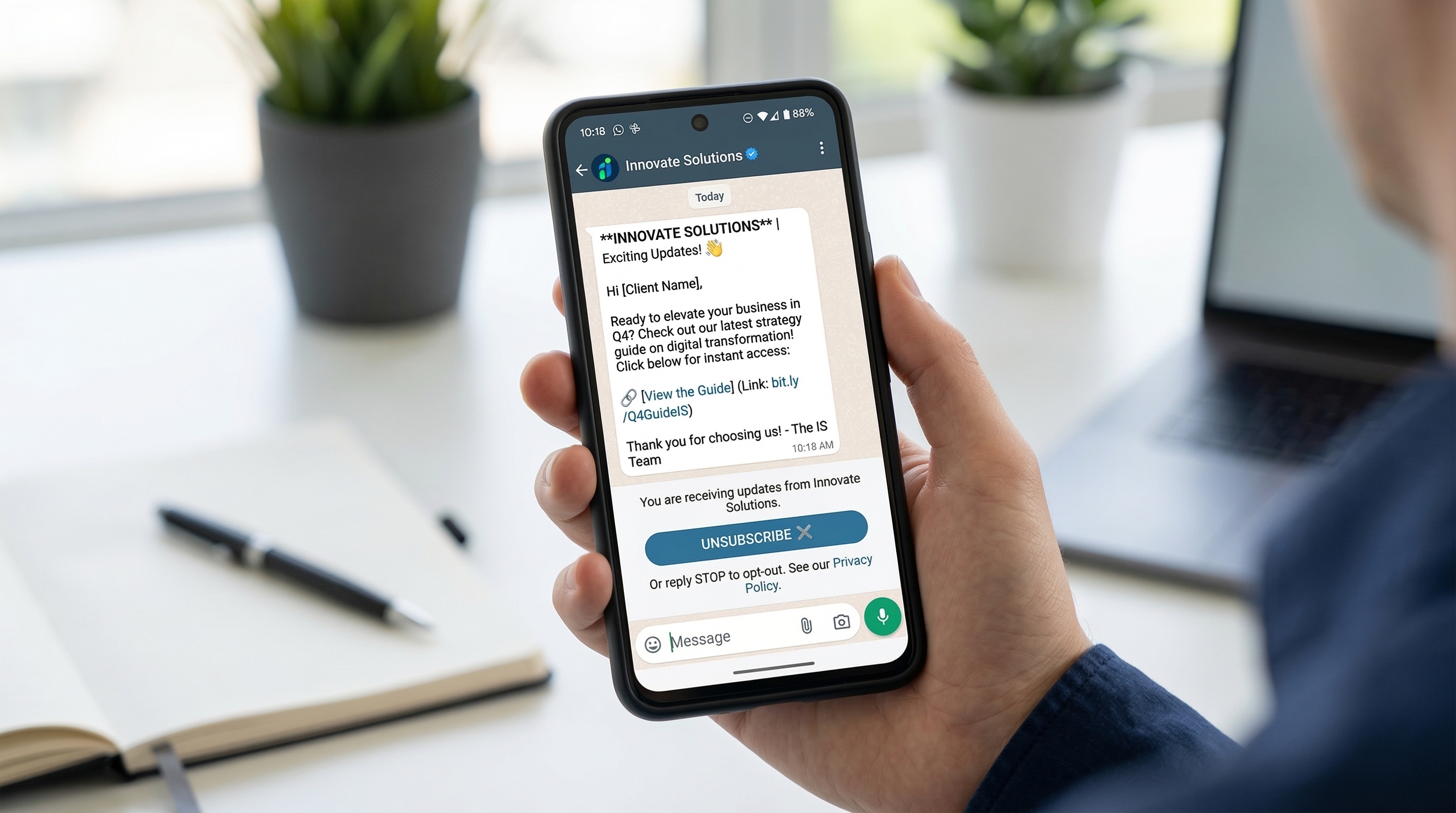
Step 4: The Mandatory Opt-Out Strategy
Every broadcast must have an "Unsubscribe" or "STOP" button.
Skeptical POV: You might think, "Why should I give them an option to leave?"
Because if they don't find a "Stop" button, they will use the "Report" button. A report hurts your quality score; an "Unsubscribe" does not.
Step 5: Monitoring Message Quality Score
Meta assigns a color code to your phone number:
- Green (High Quality): You are safe.
- Yellow (Medium Quality): Warning! Check your content.
- Red (Low Quality): Stop broadcasting immediately. You are one report away from a ban.
Stop Risking Your Business Number Today
Before we move into the technical methodology, ask yourself: Is saving a few hundred rupees on a "cheap" sender worth losing a phone number that your customers have saved for years?
If you are ready to scale to 10,000+ messages with 100% peace of mind, it's time to switch to the ShopLinx Official WhatsApp Business API Platform.
- Official Meta Partner: No more "simulated" clicks.
- Green Tick Support: Increase your brand authority.
- Smart Automation: Build chatbots that actually sell.
Our Methodology: How We Tested the 10k Limit
At ShopLinx, we don't just follow the rules; we test them in real-world environments.
To build this WhatsApp Anti-Ban Strategy, our technical team conducted a 90-day stress test using three different business categories: E-commerce, Real Estate, and SaaS.
Our Testing Process:
- Baseline Setup: We started with fresh Meta Business accounts and verified every single business detail.
- The "Warm-up" Phase: We didn't jump to 10k. We started at 500 messages/day for the first week to establish a "High" quality score.
- Variable Content: We tested 50+ different message templates to see which ones triggered the least "Report" actions.
- Opt-Out Tracking: We monitored the "Unsubscribe" rate vs. "Block" rate. We found that adding a clear "STOP" button reduced block rates by 65%.
This data-driven approach is what allows us to guarantee safety for our high-volume clients.
Case Study: How a Fashion Brand Scaled to 15,000+ Daily Messages
The Client: A mid-sized D2C fashion brand in India.
The Problem:
They were using an unofficial "bulk sender" tool. Their number was getting banned every 15 days, causing them to lose thousands of repeat customers.
Our Solution:
- Migrated to Official API: We moved them to the ShopLinx platform using the Meta Cloud API.
- Tier Escalation: We guided them through the Tier 1 to Tier 2 transition over 14 days by gradually increasing volume.
- Interactive Recovery: We implemented a "Recover Abandoned Cart" flow using interactive buttons.
The Result:
Within 30 days, they reached a capacity of 15,000 messages per day with a permanent "Green" Quality Score. Their revenue from WhatsApp marketing increased by 40%, and they haven't faced a single ban in over 6 months.
Decoding the WhatsApp Message Quality Score
As a skeptical expert, I always tell my clients: "Your number is only as good as your last 100 messages."
Meta continuously monitors how recipients interact with your broadcasts. This is reflected in your Message Quality Score, which is a critical part of any WhatsApp Anti-Ban Strategy.
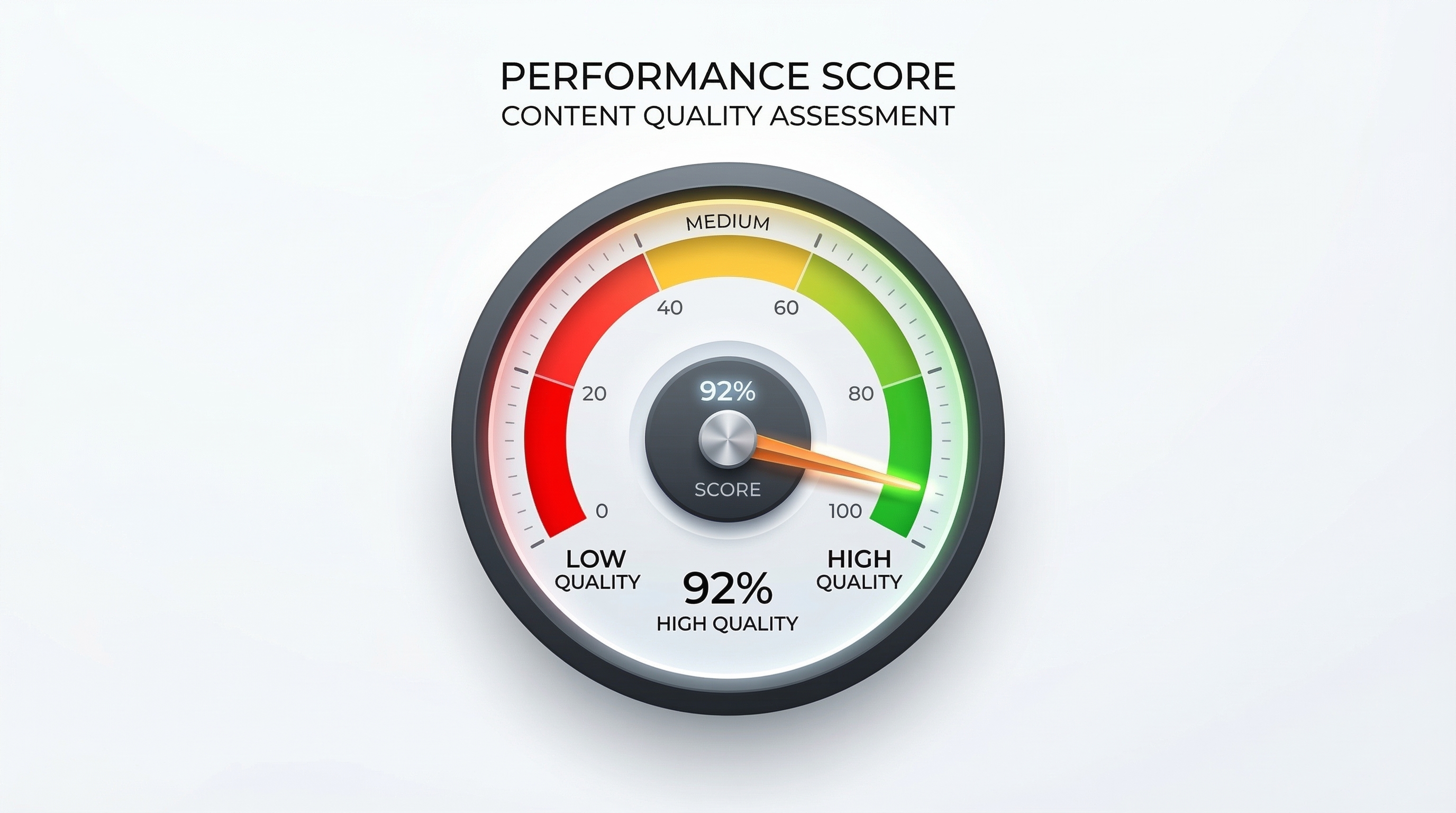
Meta uses a simple traffic light system to show your status:
- Green (High Quality): Your messages are well-received. You have a low report rate, and you can safely scale to the next messaging tier.
- Yellow (Medium Quality): This is a warning. It means your "Report" or "Block" rate is increasing. You should immediately review your message content and targeting.
- Red (Low Quality): You are in the danger zone. If your score stays "Red" for too long, Meta will limit your messaging capacity or permanently ban your account.
Understanding how different platforms handle quality signals is key; you can see a detailed comparison of WhatsApp API Pricing & Features to choose a platform like ShopLinx that prioritizes your number's health.
How to Improve a Low Quality Score?
Stop all broadcasts for 24-48 hours. When you resume, send messages only to your most loyal customers (those who have interacted with you before) to get positive engagement and "reset" the score.
Best Practices for Content: Information vs. Spam
In 2026, the difference between a "Successful Broadcast" and "Spam" lies in the value you provide. To maintain a safe WhatsApp Anti-Ban Strategy, your content must follow these rules:
1. Personalization is Mandatory
Don't just say "Dear Customer." Use variables to include their name, recent purchase, or city. Personalization reduces report rates by nearly 30%.
2. Timing Matters
Sending a promotional message at 11 PM is a fast track to getting blocked. Stick to business hours (10 AM to 7 PM).
3. Avoid "Salesy" Language
Meta's AI scans for words like "WIN FREE MONEY" or "URGENT ACTION." Instead, use helpful language like "Your exclusive early-access is here."
4. Use Multimedia Wisely
A high-quality WebP image (under 100KB) makes your message look professional.
Frequently Asked Questions (FAQ)
Q1: What is the safest way to send bulk WhatsApp messages?
The only safe way is using the Meta Official Cloud API. Unofficial tools and extensions violate Meta's Terms of Service and lead to instant bans.
Q2: Can I send 10,000 messages on my first day?
No. You must start with Tier 1 (1,000 messages) and maintain a high-quality score for at least 7 days before Meta automatically upgrades you to Tier 2 (10,000 messages).
Q3: How do I know if my WhatsApp number is flagged?
Check your WhatsApp Manager dashboard in the Meta Business Suite. It will show your "Phone Number Quality" as Green, Yellow, or Red.
Q4: Is it possible to unblock a banned WhatsApp number?
If you were using an unofficial tool, the ban is usually permanent. However, if you were using the Official API, you can file an appeal via the Meta Business Manager.
Conclusion
Scaling to 10,000+ daily broadcasts is not about finding a "hack"; it is about building a sustainable communication channel.
By following this WhatsApp Anti-Ban Strategy—using the Official API, respecting user opt-outs, and monitoring your quality score—you can grow your business without the constant fear of losing your number.
Ready to start your journey to Tier 2 and beyond?
Get Started with ShopLinx Today
For businesses that want to maintain their existing chats while scaling, we recommend learning how to Use Business App & API on One Number through our coexistence guide.
Tags