
ShopLinx Logo
Home
Features
Case Studies
Pricing
Blogs
Contact
LoginFree Forever
ShopLinx Logo

Transform your business with our cutting-edge AI solutions. Experience seamless customer interactions, efficient inventory management, and data-driven insights that drive growth and success.

Quick Links

  • Home
  • Features
  • Case Studies
  • Pricing

Company

  • About Us
  • Blogs
  • Videos
  • Terms & Conditions
  • Privacy Policy

Contact Us

  • Time Square, Maneksha Nagar, Dwarka, Nashik, Maharashtra 422011
  • hello@shoplinx.ai
  • +91 93071 97804
Accepted Payment Methods:
StripeVisaMastercardUpiPayPal

© Copyright 2025, All Rights Reserved by Shoplinx.

Free Forever
How to Master Shopify Abandoned Cart Recovery Using WhatsApp (2026 Guide)
All Blogs
Growth & Conversion 7 min read

How to Master Shopify Abandoned Cart Recovery Using WhatsApp (2026 Guide)

H

Hitesh K

|
December 18, 2025
|
7 min
Share
H

Hitesh K

|
December 18, 2025
|
7 min read
Share
Table of Contents
11 Why WhatsApp Beats Email for Shopify Recovery22 How ShopLinx Automates Your Recovery Process33 High-Converting WhatsApp Templates You Can Steal1. The Friendly Reminder (1 hour later)2. The Discount Nudge (24 hours later)3. The Support Angle (Best for high-ticket items)4Stop Leaving Money on the Table5Frequently Asked Questions (FAQ)Q1: Why is WhatsApp better than email for Shopify abandoned cart recovery?Q2: How does ShopLinx automate the abandoned cart process?Q3: What should I write in an abandoned cart WhatsApp message?Q4: Is it safe to send automated WhatsApp messages to customers?
Table of Contents
5
11 Why WhatsApp Beats Email for Shopify Recovery22 How ShopLinx Automates Your Recovery Process33 High-Converting WhatsApp Templates You Can Steal1. The Friendly Reminder (1 hour later)2. The Discount Nudge (24 hours later)3. The Support Angle (Best for high-ticket items)4Stop Leaving Money on the Table5Frequently Asked Questions (FAQ)Q1: Why is WhatsApp better than email for Shopify abandoned cart recovery?Q2: How does ShopLinx automate the abandoned cart process?Q3: What should I write in an abandoned cart WhatsApp message?Q4: Is it safe to send automated WhatsApp messages to customers?

Imagine this: A customer walks into your store, picks up your best-selling product, heads to the counter, and then… just walks away. Frustrating, right?

In the digital world, this happens every day. In fact, nearly 70% of online shopping carts are abandoned. If you are a store owner, you need a solid strategy for Shopify abandoned cart recovery to stop losing this massive chunk of revenue.

Traditionally, brands have relied on Email Marketing to win these customers back. But let’s be honest—how often do you check your "Promotions" tab? With email open rates dropping below 20%, it’s time for a smarter solution: WhatsApp marketing automation.

With a 98% open rate and instant visibility, WhatsApp is the ultimate tool for recovering lost sales. In this guide, we’ll show you exactly how to turn those "almost customers" into paying buyers using ShopLinx.


1 Why WhatsApp Beats Email for Shopify Recovery

If you are selling in India, the USA, or the UK, speed is everything. Here is why WhatsApp wins:

High Visibility: Messages appear on the lock screen and are impossible to ignore.

Instant Action: Most messages are read within 3 minutes.

Higher Conversion: You can include a direct "Checkout" button, removing friction.


2 How ShopLinx Automates Your Recovery Process

Managing WhatsApp messages manually is impossible as you scale. This is where ShopLinx steps in.

Unlike generic tools, ShopLinx offers a seamless Shopify WhatsApp integration specifically designed for D2C brands. It automatically syncs with your store inventory and detects when a user leaves the checkout process.

Here is how the workflow looks:

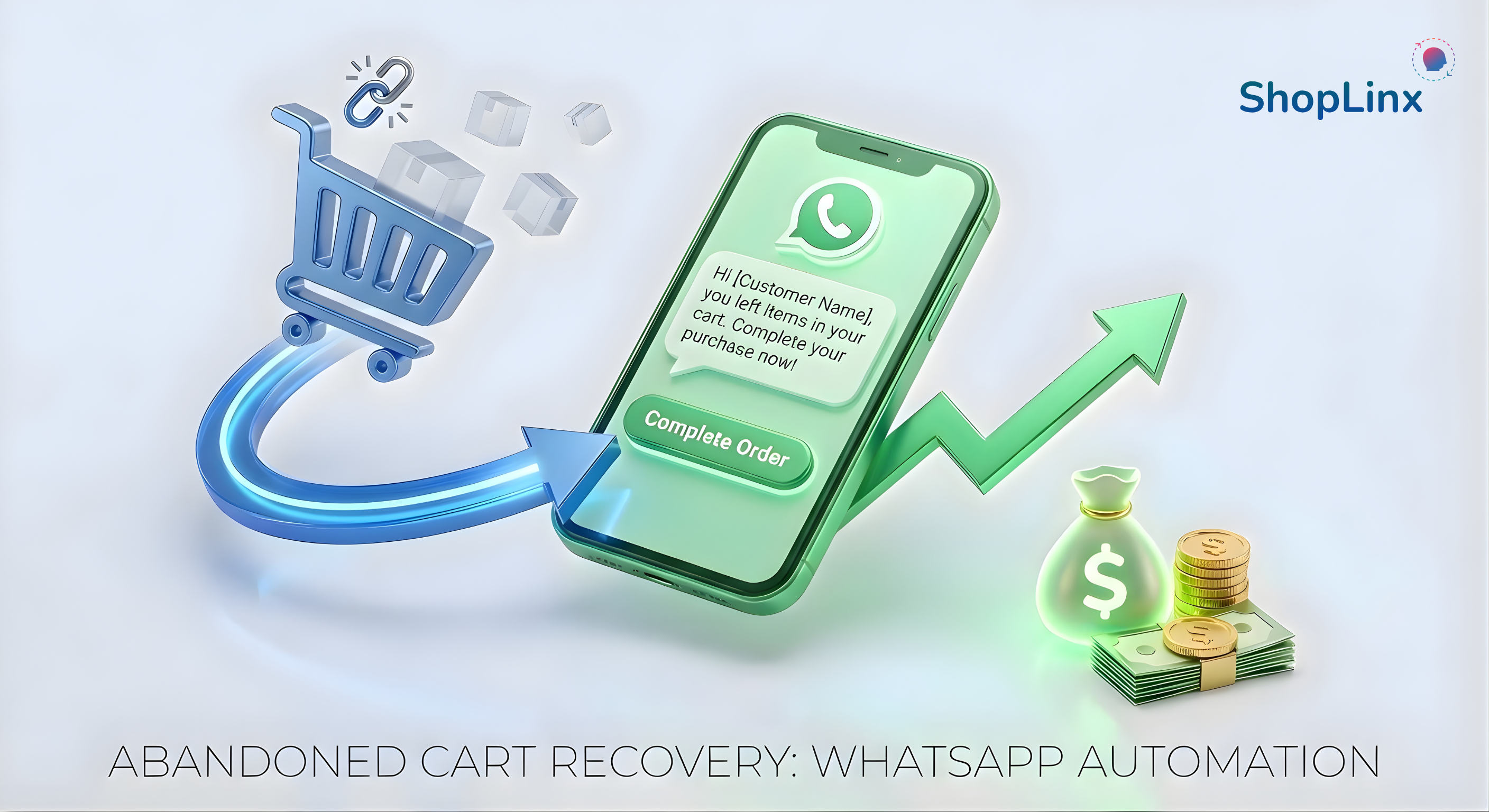
Trigger: A customer leaves the cart without paying.

Wait Time: The system waits (e.g., 1 hour) for a natural return.

Action: If no purchase is made, ShopLinx sends a personalized WhatsApp message with the product image and a checkout link.


3 High-Converting WhatsApp Templates You Can Steal

Not sure what to say? Here are templates that work:

1. The Friendly Reminder (1 hour later)

"Hi [First Name], we noticed you left something behind! 👀 We’ve saved your cart for you. Click here to checkout: [Checkout Link]"


2. The Discount Nudge (24 hours later)

"Hey [First Name], still thinking about it? Take 5% OFF your order if you complete it today! Use code: SAVE5. Grab it here: [Checkout Link]"


3. The Support Angle (Best for high-ticket items)

"Hi [First Name], did you face any issues while checking out? Reply to this message if you have questions about the product. We are here to help! 👇 [Checkout Link]"


Stop Leaving Money on the Table

Your traffic is expensive. You worked hard to get people to your site. Don't let them slip away at the last second.

By using a tool like ShopLinx to automate your follow-ups, you can improve customer experience and significantly increase Shopify sales. It’s like having a sales assistant who works 24/7.

Ready to recover lost revenue? Start your free trial with ShopLinx today


Frequently Asked Questions (FAQ)

Here are the most common questions entrepreneurs ask about selling without a traditional website.

Q1: Why is WhatsApp better than email for Shopify abandoned cart recovery?

WhatsApp has a 98% open rate compared to email's 20%. Since messages appear directly on the customer's lock screen and are usually read within 3 minutes, WhatsApp creates a sense of urgency and convenience, leading to significantly higher recovery rates for D2C brands.

Q2: How does ShopLinx automate the abandoned cart process?

ShopLinx seamlessly integrates with your Shopify store to track when a customer leaves without paying. It triggers an automated workflow: first waiting for a set time (e.g., 1 hour), and then sending a personalized WhatsApp message with the product image and a direct checkout link to recover the sale.

Q3: What should I write in an abandoned cart WhatsApp message?

For best results, use a mix of strategies. Send a "Friendly Reminder" after 1 hour, a "Discount Nudge" (e.g., 5% off) after 24 hours, or a "Support Message" asking if they faced any technical issues. ShopLinx provides pre-built, high-converting templates for these scenarios.

Q4: Is it safe to send automated WhatsApp messages to customers?

Yes, as long as you follow WhatsApp's policies. ShopLinx ensures your messages are compliant and personalized. Unlike spammy bulk messages, these are transactional updates triggered by the user's action (adding to cart), making them relevant and helpful to the shopper.

Tags

Shopify Abandoned CartWhatsApp MarketingCart RecoveryE-commerce AutomationD2C GrowthConversational CommerceShopLinxWhatsApp Automation 2026