
WhatsApp Marketing 9 min read
Imagine receiving a WhatsApp message from an unknown number like +91 9823XXXXXX. Your first instinct? Ignore it or block it as spam.
Now, imagine receiving the same message, but this time the sender's name is clearly displayed as "Nike" or "Nykaa", accompanied by a shiny green badge next to it. You instantly trust it, open it, and engage.
That is the power of the .
Tags
For Shopify brands in 2026, this little green badge is no longer just a vanity metric—it is a critical trust signal. With scams on the rise, customers are hesitant to engage with unknown business numbers. A verified badge tells them, "We are authentic, and you can trust us with your money."
But here is the catch: getting verified isn't as simple as clicking a button. Meta has strict criteria, and rejection rates are high if you go in unprepared.
In this ultimate guide, we will decode the exact roadmap to getting your Shopify brand verified on WhatsApp, the secret "notability" requirements, and how to avoid the common mistakes that get applications rejected.
Technically known as an Official Business Account (OBA), the green tick is a verification badge displayed next to your brand's name on WhatsApp.
It signifies that Meta has verified that your brand is an authentic, notable presence.
Unlike a regular business account, where users see only your phone number if they haven't saved your contact, an Official Business Account displays your Brand Name prominently in the chat list, chat screens, and notifications—even if the user has never saved your number.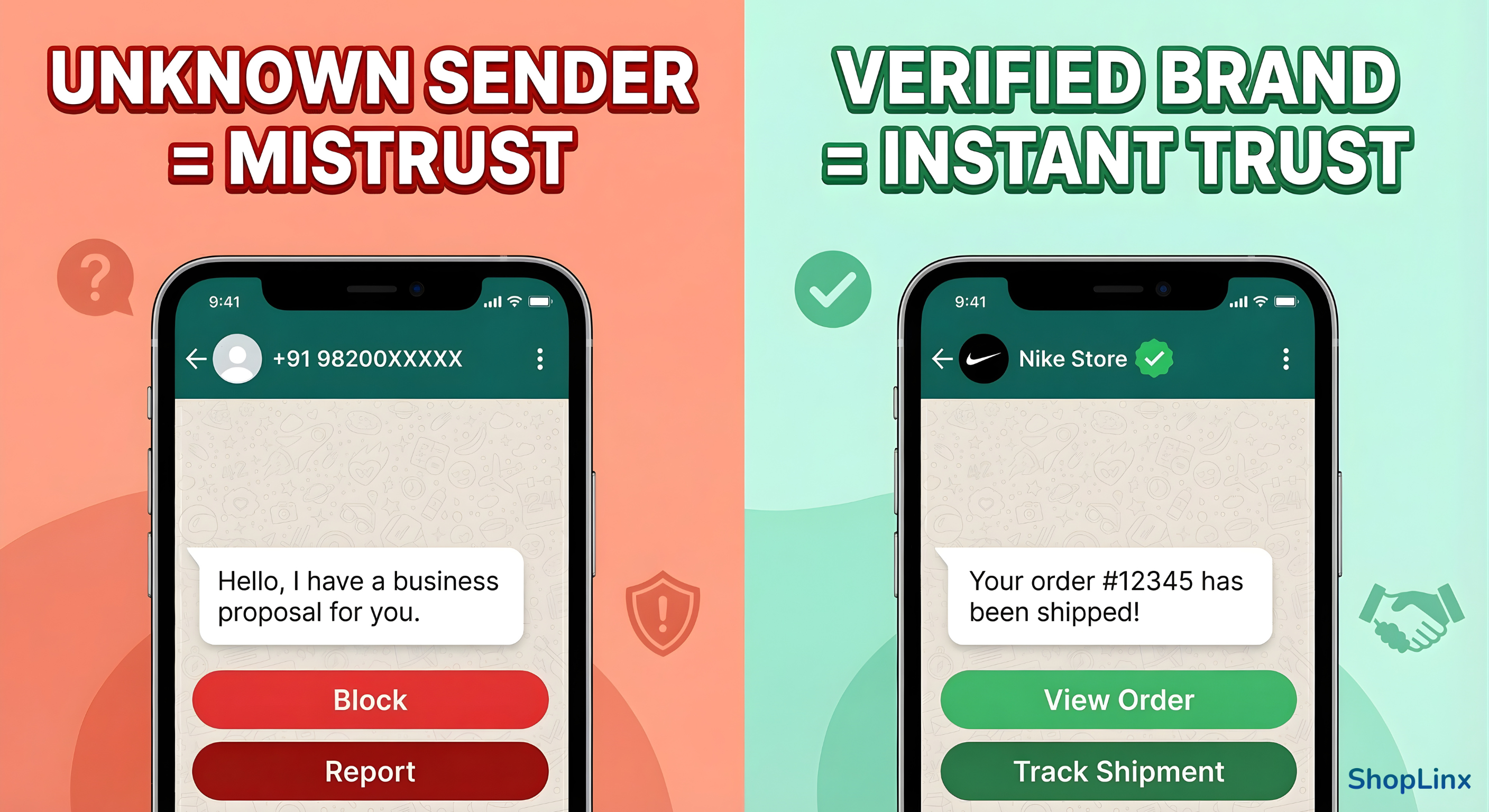
Before we jump into the application process, let's save you some time. You cannot simply apply for a green tick using your personal WhatsApp or even the standard WhatsApp Business App.
To be considered for verification in 2026, your Shopify brand must meet these 4 non-negotiable technical requirements:
The green tick is not available for the free WhatsApp Business App you download from the Play Store. It is exclusively for brands using the WhatsApp Business API.
Your Facebook Business Manager (now Meta Business Portfolio) must be verified. This proves to Meta that your business is a legal entity. You will need to submit documents like your GST certificate, Certificate of Incorporation, or Business License to get this status.
Security is a priority for Meta. You must have 2-Factor Authentication enabled on your Business Manager account to ensure unauthorized users cannot access your business data.
Do you have all four items on this list? If yes, great! You have passed the technical round.
However, satisfying these technical requirements is just the baseline. The real reason most brands get rejected is usually missing in the next crucial step: "Notability".
Let's decode exactly what "Notability" means and how you can build it.
This is the step where 90% of Shopify brands get stuck.
Meta explicitly states that for a business to be verified, it must be "Notable". But what does that actually mean? It doesn't mean you need millions of followers or need to be as famous as Nike.
In Meta's language, Notability means your brand must be searched for often and featured in established news articles.
To prove notability, you generally need 3 to 5 high-quality press articles that feature your brand.
If you don't have organic PR yet, don't panic. Many agencies help brands get featured in emerging digital news outlets. Focus on getting coverage that highlights your brand's growth, funding, or unique product story. Ensure the article mentions your brand name clearly in the headline.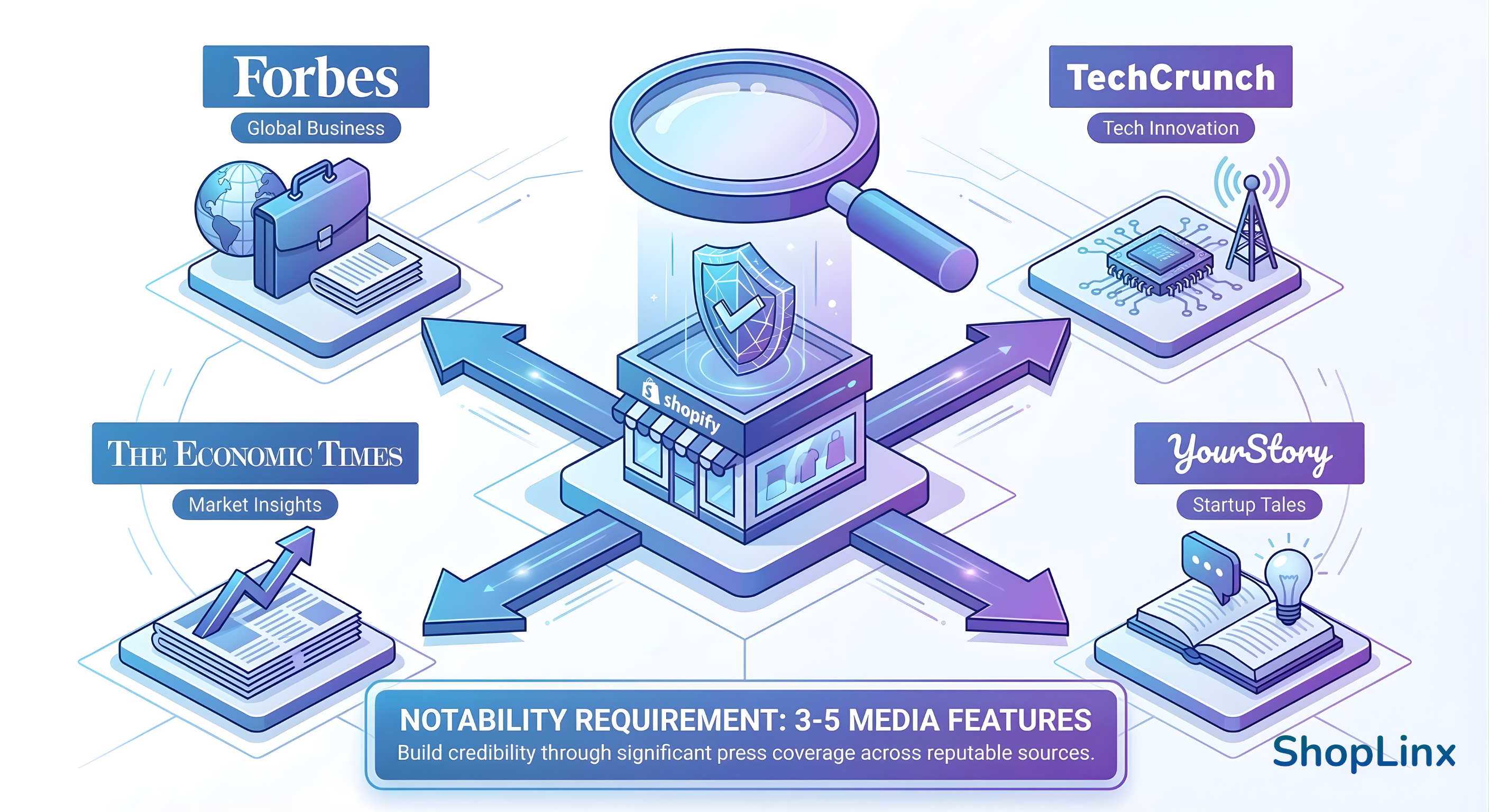
Once you have your API setup (via ShopLinx), your Facebook Business Manager verification, and your PR links ready, you can proceed with the application.
Here is the exact workflow to apply in 2026:
Go to your Meta Business Suite. Navigate to Settings > WhatsApp Accounts. Select the phone number you want to verify.
Look for the "Profile" section. You will see a button or link that says "Submit Request" for an Official Business Account.
Meta will ask you to provide specific information to verify your identity and notability:
• Reason for Request: Clearly explain why your brand needs verification (e.g., preventing impersonation, high order volume).
• Supporting Links: This is where you paste your 3-5 PR articles.
• Social Media Presence: Add links to your Instagram and Facebook pages (ensure they have a decent number of followers and recent activity).
Once submitted, Meta typically takes 2 to 4 business days to review your application. You will receive a notification in your Business Manager with the result.
Even big brands sometimes get rejected. Why? Because they overlook the small details. If your application gets denied, it is likely due to one of these three reasons:
Your business name on the Facebook Business Manager, your WhatsApp Display Name, and your Website must match exactly. If your legal name is "XYZ Pvt Ltd" but your WhatsApp name is just "XYZ Store", Meta might reject it.
Submitting press releases where you clearly paid for the spot (often marked as "Sponsored Content") does not count towards notability. Meta looks for organic editorial coverage.
This sounds trivial, but many applications are auto-rejected simply because Two-Factor Authentication was disabled at the time of review.
If rejected, do not re-apply immediately. Meta enforces a 30-day cooldown period. Use this time to get 1-2 more high-quality news articles featuring your brand.
Is all this effort worth it? Absolutely. For a Shopify brand, the green tick is not just a status symbol; it is a conversion tool.
Here is the impact we have seen with ShopLinx clients who got verified:
Messages from a verified brand have a 25-30% higher open rate, which is a game-changer for recovering abandoned carts effectively.
When customers trust your profile, they are more likely to engage with your automated customer support to resolve queries instantly.
In an era of online scams, the badge acts as a digital seal of authenticity, encouraging first-time visitors to place prepaid orders and significantly reducing RTO losses.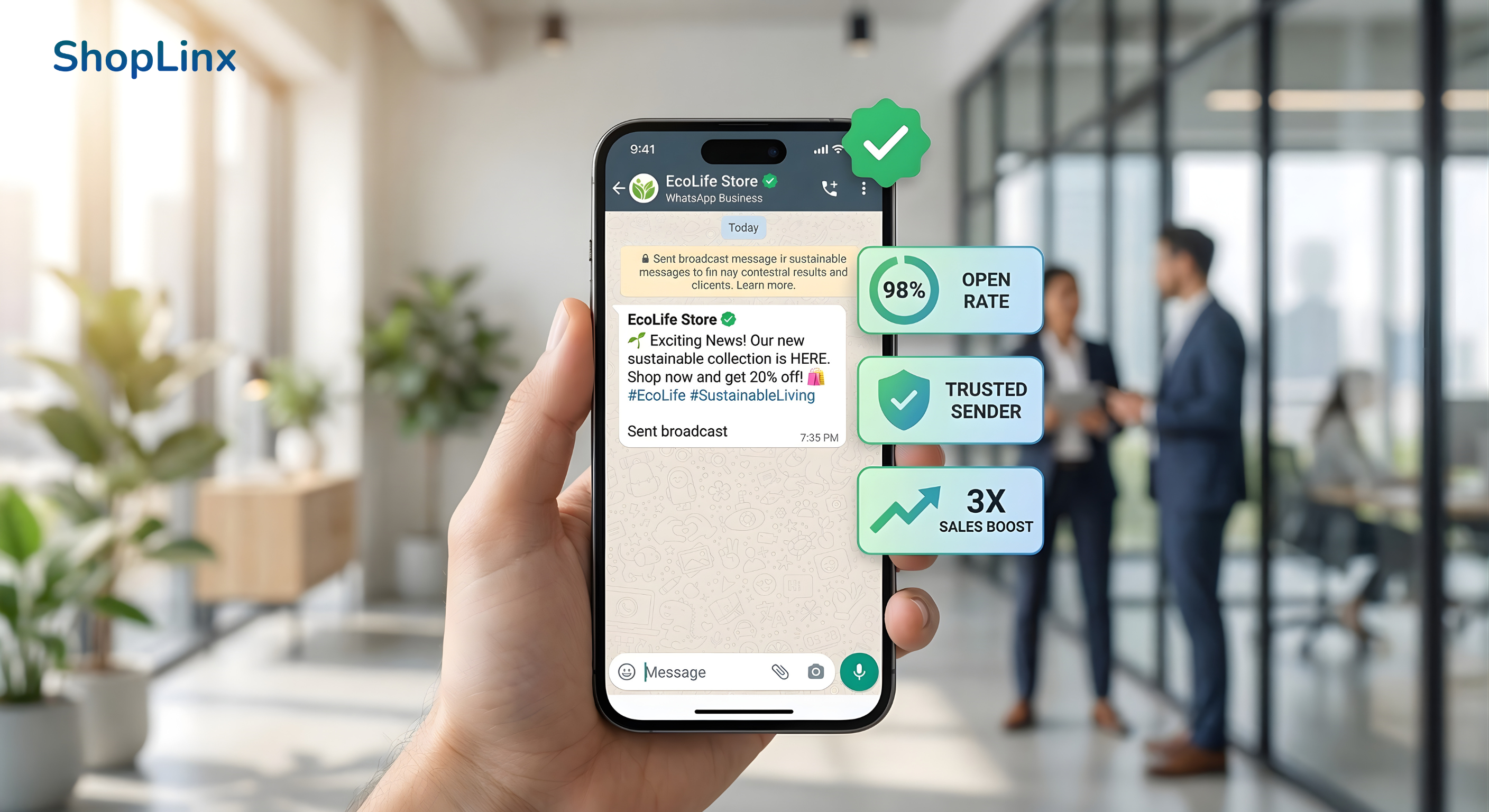
Getting the WhatsApp Green Tick in 2026 is challenging, but strictly following the protocol makes it achievable. It separates the "serious brands" from the dropshipping clutter.
If you are ready to upgrade from the basic WhatsApp App to the API and start your verification journey, ShopLinx is here to help. We not only provide the API but also guide you through the verification prerequisites.